 MakeSense
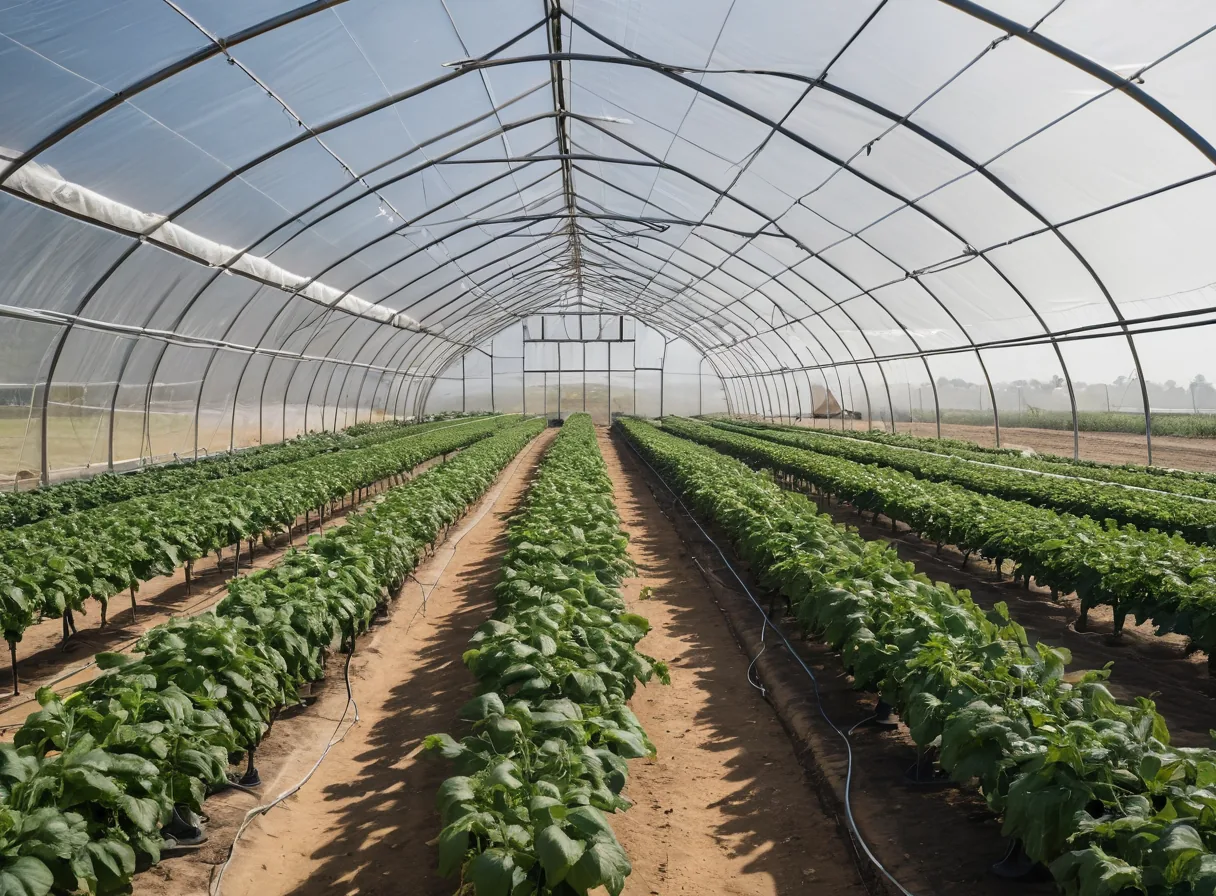 photo: tunnel interior
Tunnels and greenhouses
Vents open at 28 °C and close at 24 °C. Misters run on a timer, but only when the air is dry.
temp > 28 °Cvents ON
MakeSense controllers read the sensors you wire to them, run the logic you build in the app, and switch whatever is on the other end: pumps, valves, fans, heaters, lights or motors. The cloud is for watching. Control stays on site.
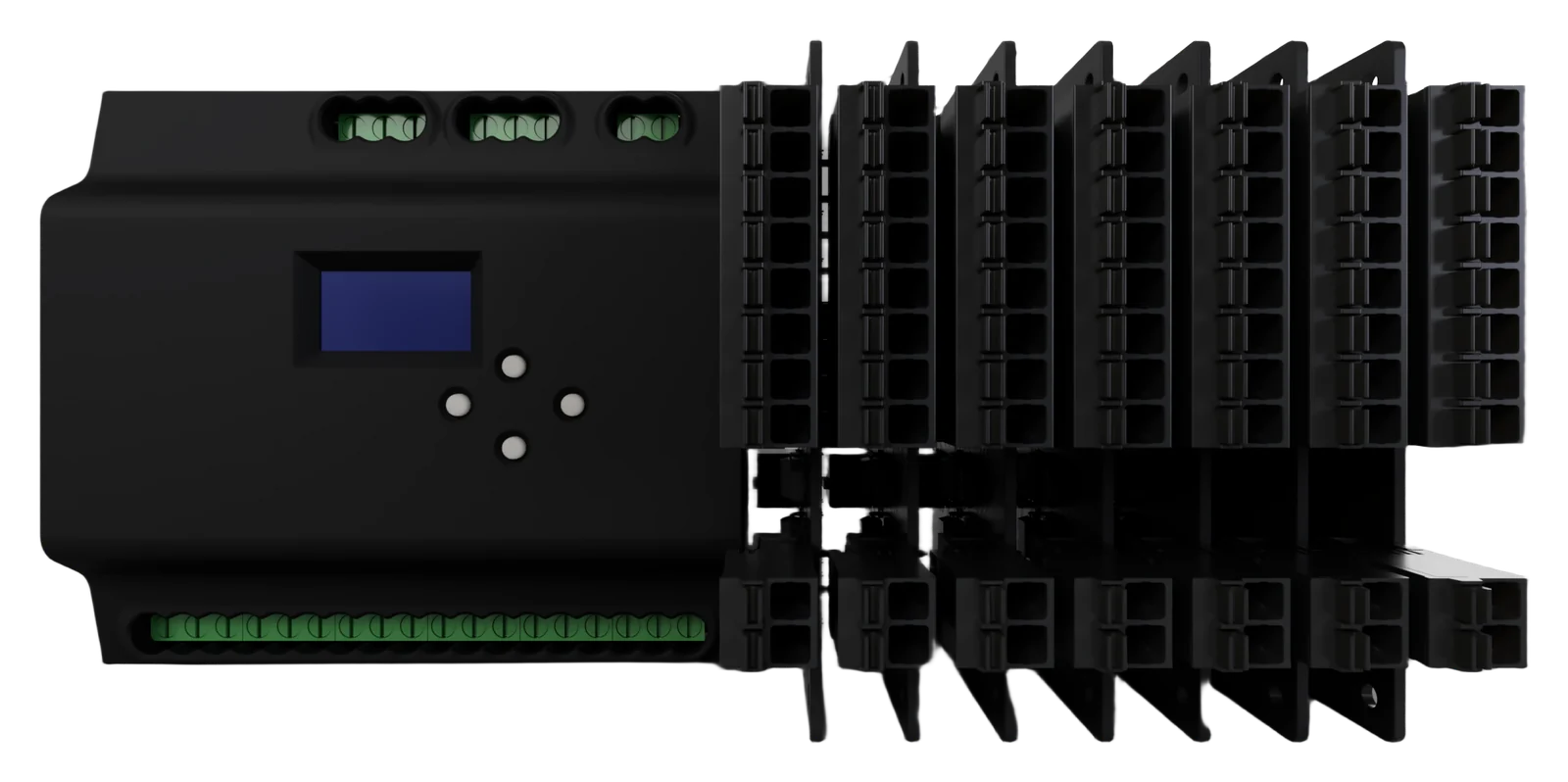
Two ESP32-S3 processors inside: one handles the network, the other only runs your control program, so a Wi-Fi drop never stops a pump. Clip on I/O modules as the job grows.
 1
2
3
4
5
1
2
3
4
5
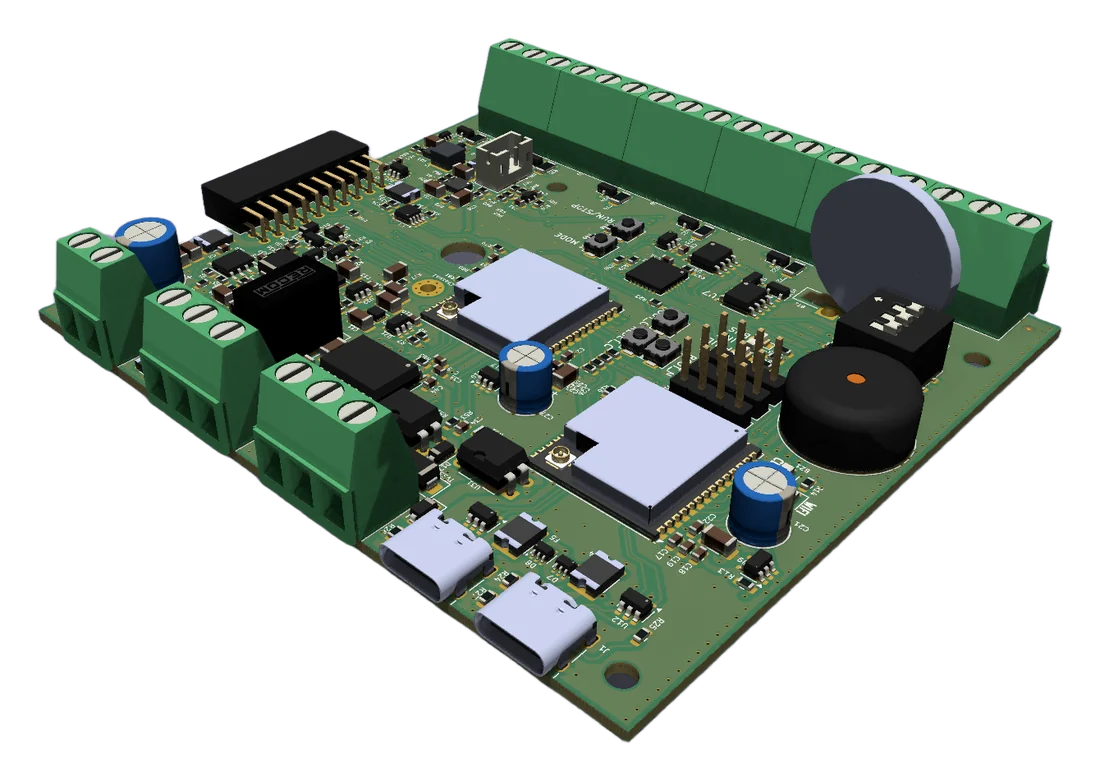
Prototype renders. The production unit may differ.
Connect sensors to gates, timers and comparisons on a canvas, or write a simple when-this-then-that rule. Send it to the controller and it checks every input and updates every output 50 times a second, with or without a signal.
Every rule runs on the controller itself. If the Wi-Fi goes down or load-shedding takes the router out, the pump still stops when the dam is full.
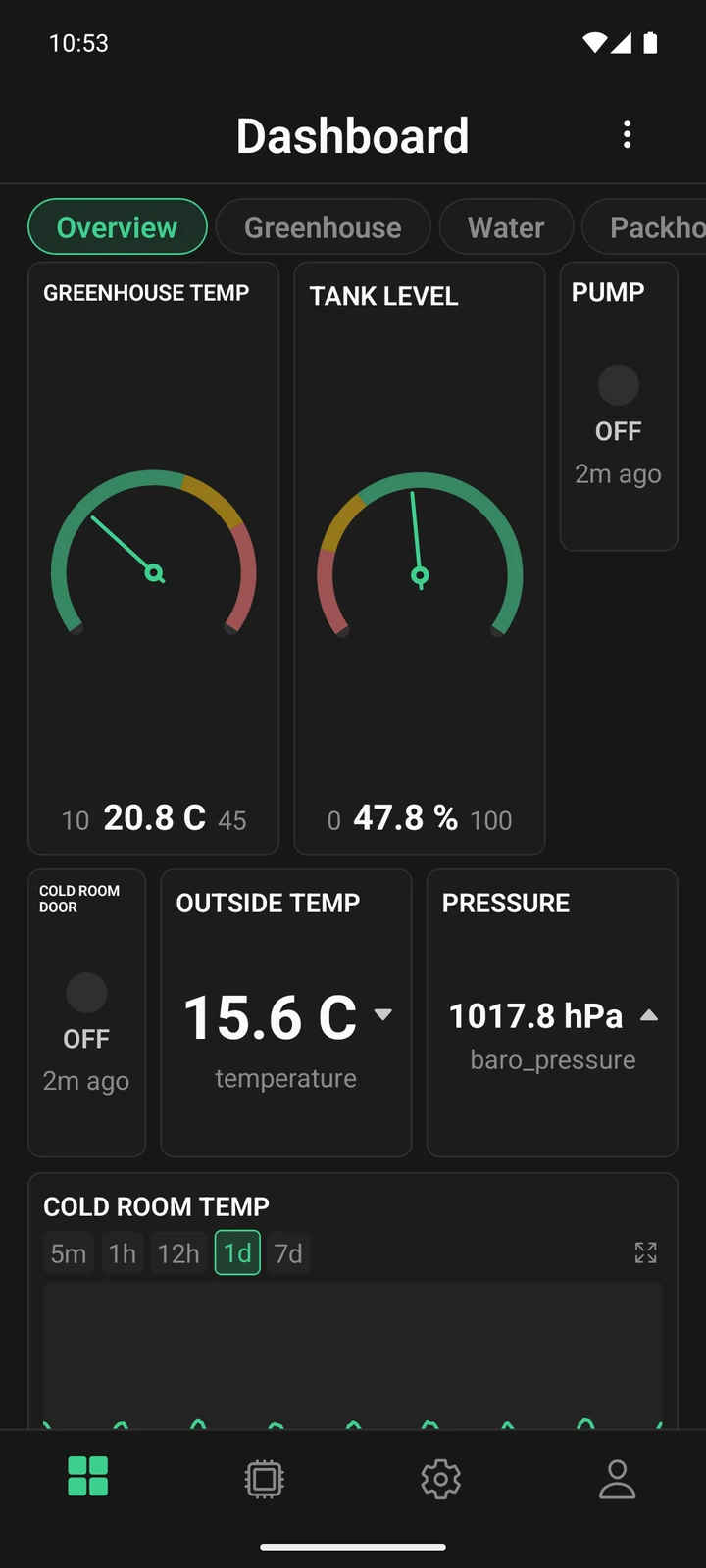 photo: tunnel interior
Vents open at 28 °C and close at 24 °C. Misters run on a timer, but only when the air is dry.
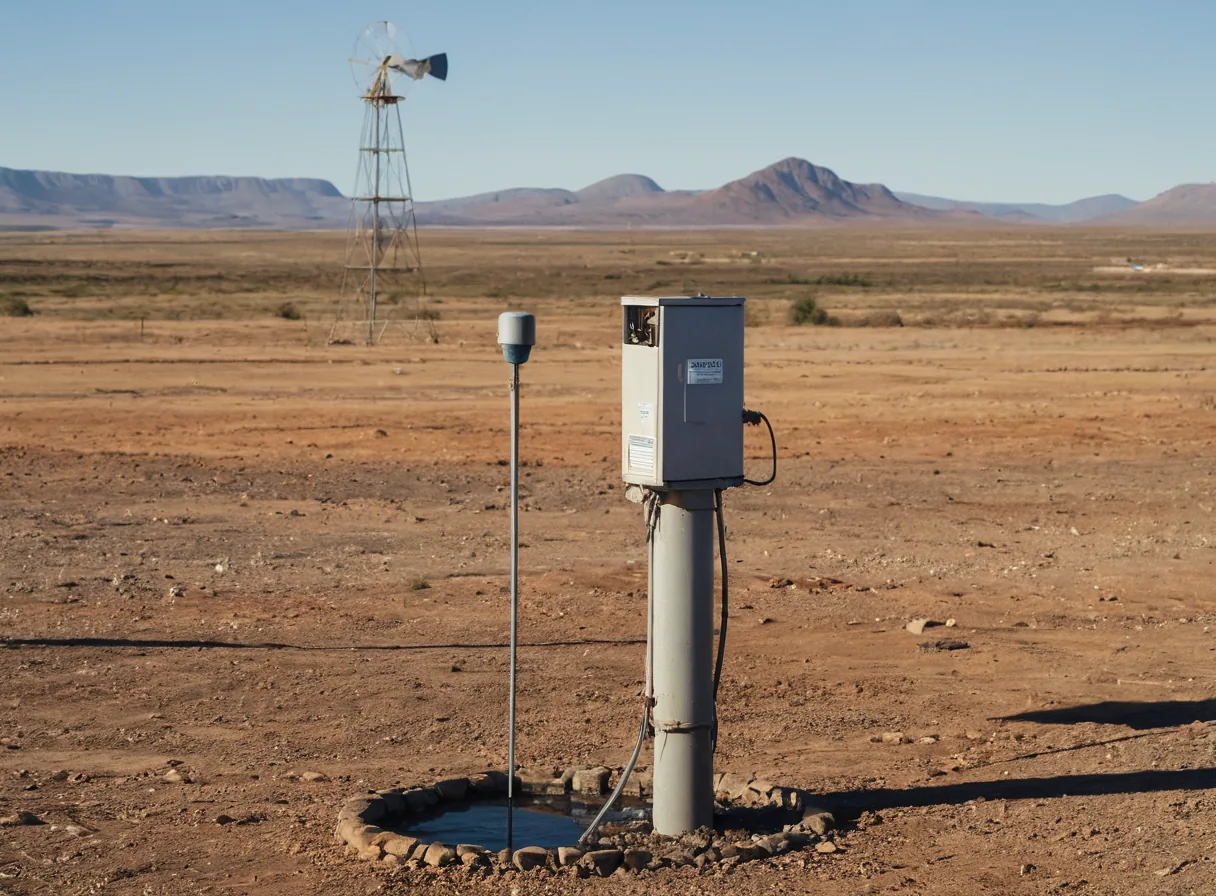 photo: borehole + dam
Pump on off-peak power, stop when the tank is full, and stop if the level reading goes quiet.
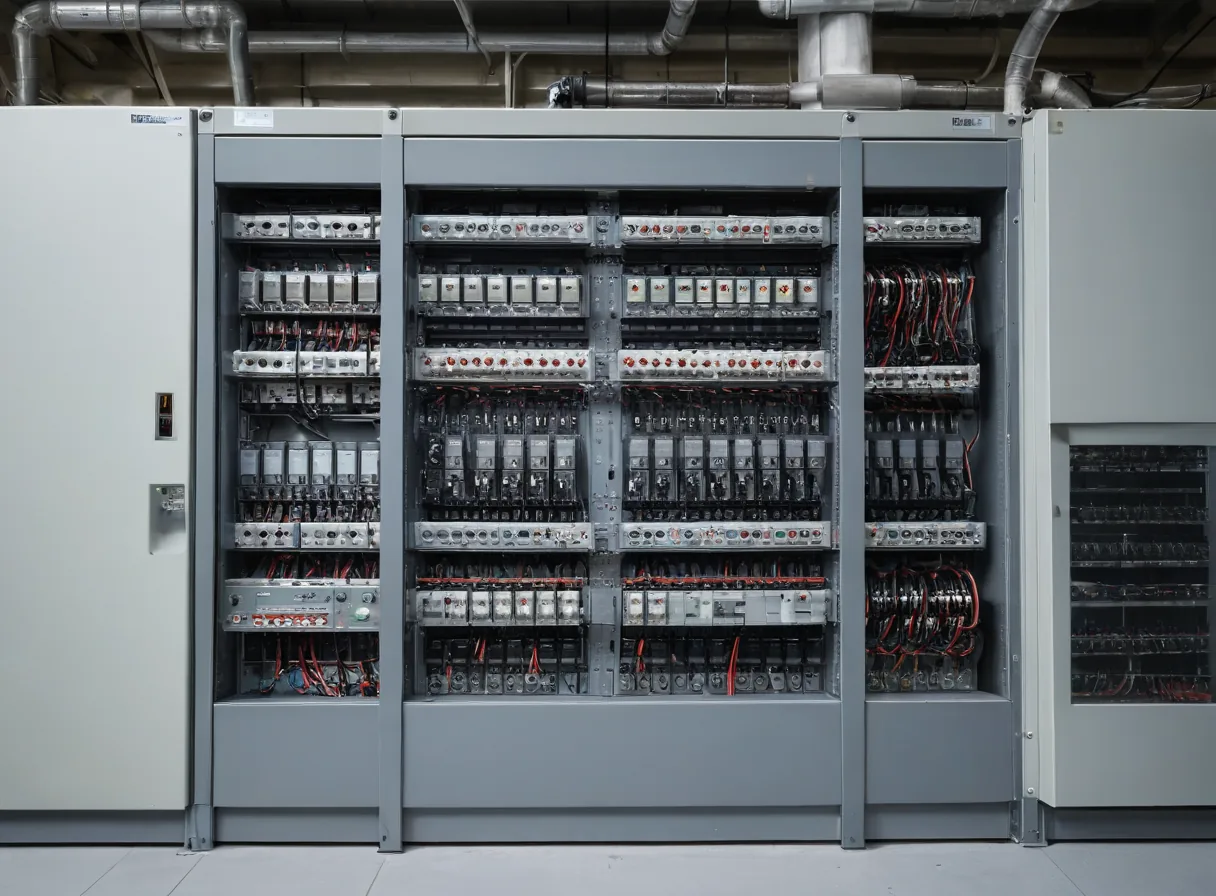 photo: factory control panel
Compressors off after hours, extraction fans on while a machine runs, an alert when a motor trips.
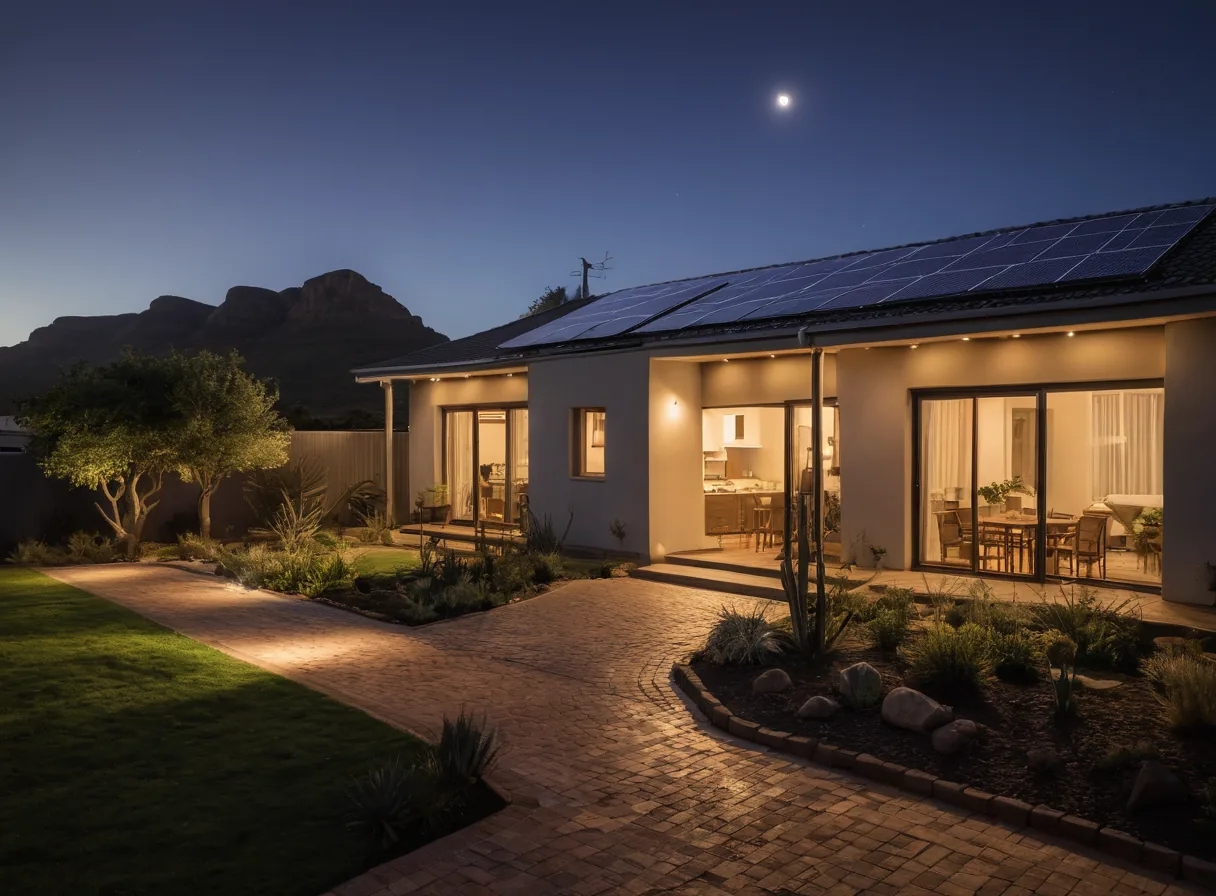 photo: home with solar
Geyser on solar surplus, gate and garden lights on schedules. Works with Home Assistant over MQTT.
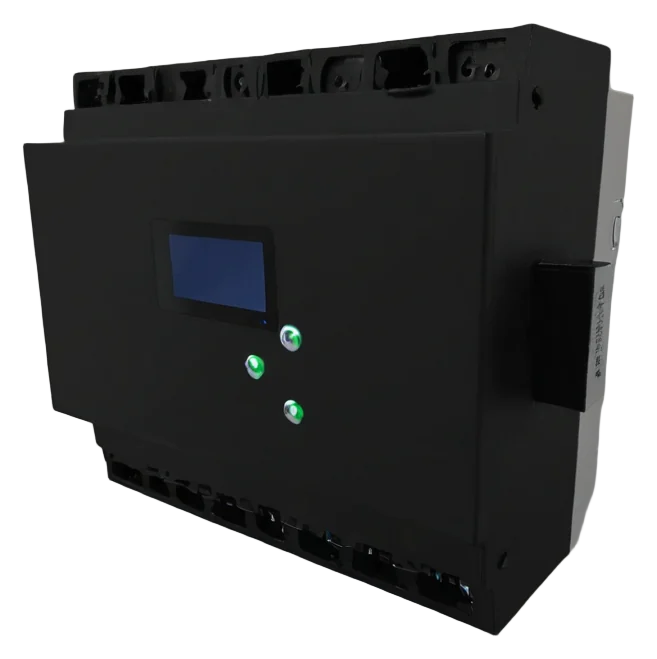 render: controller, 3/4 view
Pre-wired enclosure. Assign what sits on each terminal in the app.
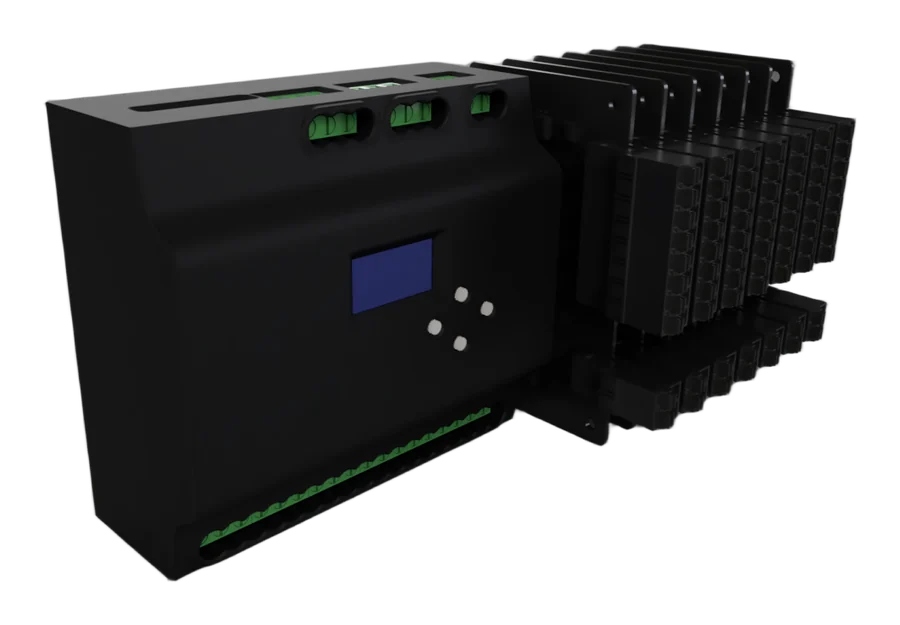 your render goes here
DIN-rail PLC with a status screen and clip-on I/O slices.
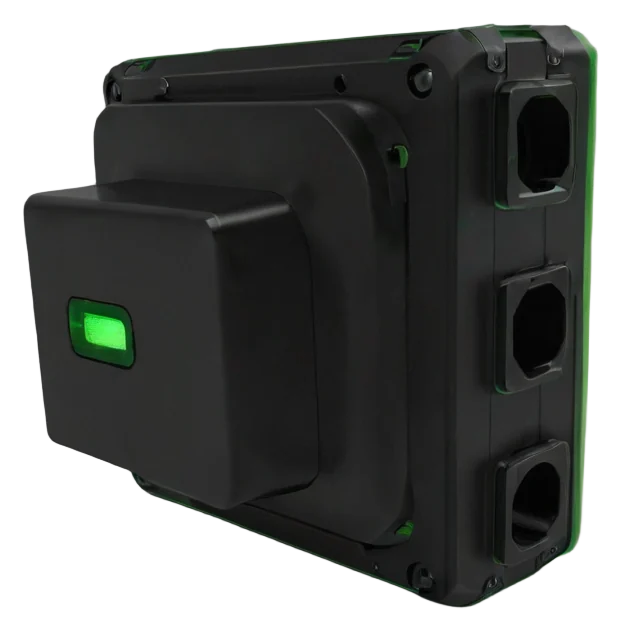 render: node on a tunnel post
Small sensor node for the far end of a tunnel or shed.
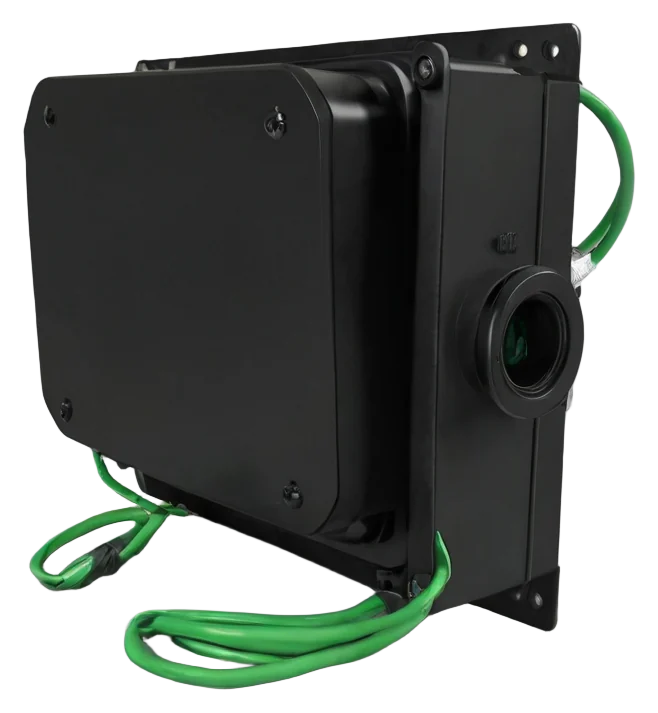 render: dam float + pump house
Dam level to the pump by radio. No Wi-Fi at the dam needed.
Clip it on a DIN rail in your panel and connect the supply.
Connect probes, floats, switches and contactors to the labelled terminals.
The app finds the controller over Bluetooth and gives it your Wi-Fi.
Name each terminal, build your rules and send them to the controller.
Common sensors work out of the box. Industrial probes connect through the analog inputs.
| Reading | Sensor | Range | Connection |
|---|---|---|---|
| temperature | SHT30 / SHT20 / BME280 / DHT22 | −40 … 125 °C | I²C / 1-wire |
| humidity | SHT30 / DHT22 | 0 … 100 %RH | I²C / 1-wire |
| pressure | BME280 | 300 … 1100 hPa | I²C |
| analog_1 … 6 | 4–20 mA and 0–10 V probes | 16-bit | Analog input |
| level | DamLink float node | 0 … 100 % | LoRa radio |
| weather_* | Met.no forecast for your site | 48 h ahead | Cloud |
Lose the internet and the program keeps running. Readings buffer on the device and upload when the link is back.
New firmware runs on trial. If it does not check in, the board reverts to the last good version on its own.
Invite a manager, your electrician or the family by their User ID. Choose per device whether they can only watch, also switch things, or manage it fully.
Placeholder tiers. Being reworked before launch.
Send us a mail with what you want to automate. We read every one and reply ourselves.